


Bring Your GTM Intelligence Directly Into Slack
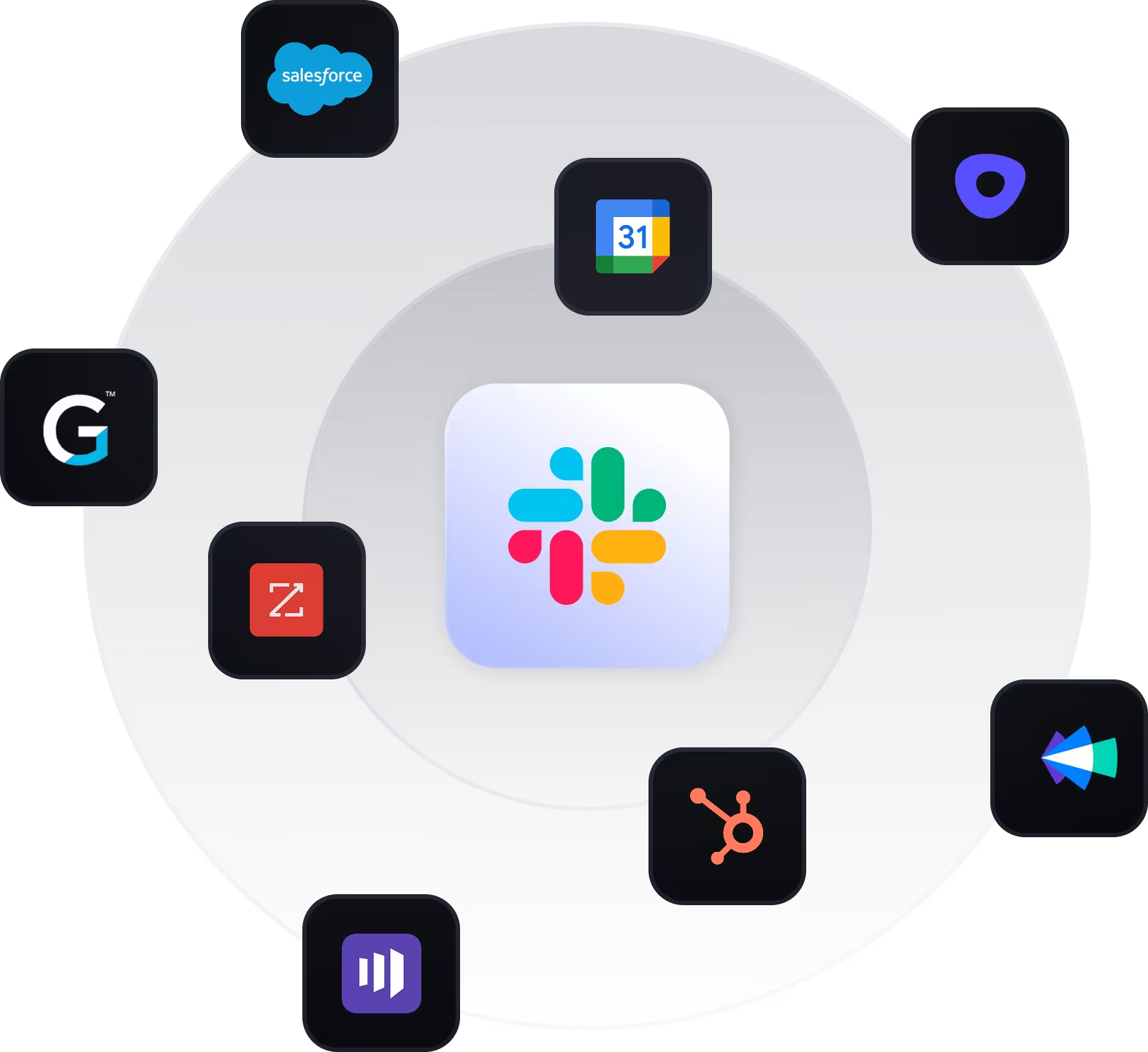
Alysio connects your revenue tech stack using Model Context Protocols (MCPs), allowing you to ask questions, get insights, and take action across Salesforce, HubSpot, Gong, and more — all without leaving Slack.
Stop Switching Between Tools to Understand Revenue
RevOps and sales leaders spend too much time chasing data across disconnected systems.
Alysio turns Slack into a command center for your go-to-market teams — delivering answers, insights, and automated workflows powered by your existing tools.
- Ask revenue questions in plain language
- Get real-time insights where your team already works
- Trigger actions without jumping between apps
What You’ll See After Installing
.avif)
Ask Revenue Questions in Plain Language
Get instant pipeline, forecast, and GTM insights directly inside Slack.
.avif)
Monitor Pipeline & Deal Risk
Track performance, identify risk, and
surface strategic insights in real time.
.avif)
Automate Insights & Notifications
Schedule agents in Alysio and deliver updates to Slack channels or DMs.
How to Install Alysio for Slack
Sign in to Alysio
Go to: https://chat.alysio.ai
Log in with your Alysio credentials to access your workspace.
Install the Slack App
- Go to Settings → Integrations or visit:
https://chat.alysio.ai/settings/integrations - Find Slack in the integrations list.
- Click Connect Slack.
- Authorize the app in Slack.
- Click Allow to complete installation.
Once approved, Alysio will be installed in your Slack workspace.
Connect Your Data Sources
Before using Alysio in Slack, connect your business systems.
- In Alysio, go to Settings → Integrations.
- Connect the tools you want Alysio to use (CRM, sales, and data tools).
- Authorize each integration.
Alysio can only answer questions about connected systems.
Start Using Alysio in Slack
Once installed:
- Open Slack
- Use the /alysio command or message the Alysio bot directly
You can now ask questions based on your connected integrations.
.svg)
Built for Secure Revenue Operations
Alysio respects workspace permissions and never exposes data beyond what users already have access to. Enterprise-grade controls ensure your revenue data stays secure at every step.
- Permission-aware by default
- No data leakage across users or teams
- Designed for enterprise security requirements
Alysio is an AI-powered interface, and AI systems can make mistakes. Please review and verify all responses for accuracy before making business decisions.
By using Alysio, you agree to our Privacy Policy.